

MyInfo 8.5.4 is now available. This focused update improves import workflows, dark mode consistency, everyday note handling, and a few reliability details that make MyInfo smoother to use day to day.
Import Date Preservation
MyInfo can now preserve source creation and update dates when importing from TreePad, Evernote, CintaNotes, folders, and plugins. This helps imported notes keep their original timeline instead of looking like they were all created on the import date.
Dark Mode Improvements
Confirmation dialogs are now quieter during normal use: they stay silent except for error messages, and they follow the active application theme.
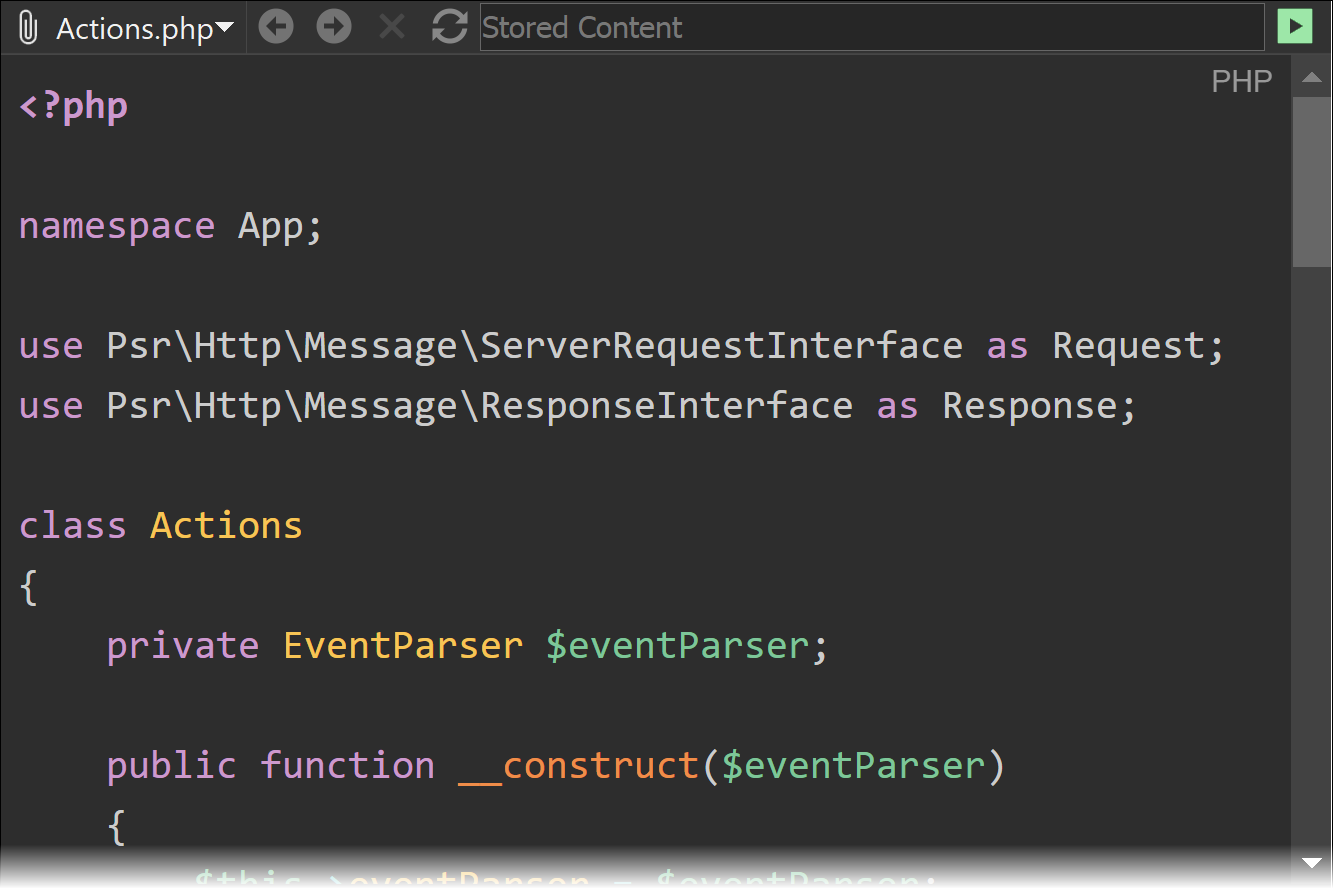
Dark mode is more consistent across MyInfo:
- Code snippets now use a dark syntax highlighting theme when dark mode is active.
- The internal web browser now asks websites to use their dark theme when MyInfo is using dark mode.
Everyday Workflow Improvements
Several small changes make regular work with notebooks and notes more predictable:
- Perspective group expanded states are now preserved between sessions.
- Global Search now highlights search results in locked notes.
- MyInfo now asks for confirmation before closing multiple notebooks at once.
- Pasted notes are now selected in the note list.
Backlinks Fix
The backlinks popup now shows backlinks properly when multiple MyInfo windows are open.
Also Included Since MyInfo 8.5.3
Several improvements and fixes were delivered in later MyInfo 8.5.3 builds through the app update system. If you skipped those builds, MyInfo 8.5.4 includes them too:
- Better TreePad imports: MyInfo now imports TreePad links more reliably, converts TreePad internal links to MyInfo internal links, and handles GUID-based
guidnode://links. - Cleaner folder imports: Folder import now uses folder index files beyond RTF, including HTML, so TreeDBNotes-exported folders with HTML index files import cleanly.
- Safer session saving: The session file is now written atomically to help prevent data loss after a crash or power failure.
- More reliable note links: Cross-notebook note links are now preserved when copying notes between notebooks.
- More efficient clipping and pasting: The same image is no longer downloaded multiple times when clipping or pasting HTML with repeated images.
- Small workflow fixes: Nested tags now open properly from Go To Anything, minimized disabled windows restore correctly, simple text copying no longer adds an extra newline, and
-dateattribute:day+Nsearches work again.
All Changes
See the full list of changes in MyInfo 8.5.4
How do I get it?
Want to try out MyInfo 8.5.4? Grab it here:
The trial is fully functional for 30 days, so you have plenty of time to try it.
If you are a registered customer, you will receive download links for your licensed copy of MyInfo 8.5.4 in your email inbox.